AI series studio for repeatable stories

AI Series Generator for Consistent Video Stories

Start from an idea, episode draft, or script. Build reusable characters, visual references, model-ready keyframes, and saved video episodes in one controllable AI series studio.

Quick IdeaEpisode DraftScript Import
AI Series Generator workspace with Quick Idea, Episode Draft, Script Import, storyboard, keyframes, and video generation review

SERIES WORKFLOW

From story to series assets

Move from loose story input to reusable series assets without rebuilding context for every clip.

SERIES WORKFLOW

Move from loose story input to reusable series assets without rebuilding context for every clip.
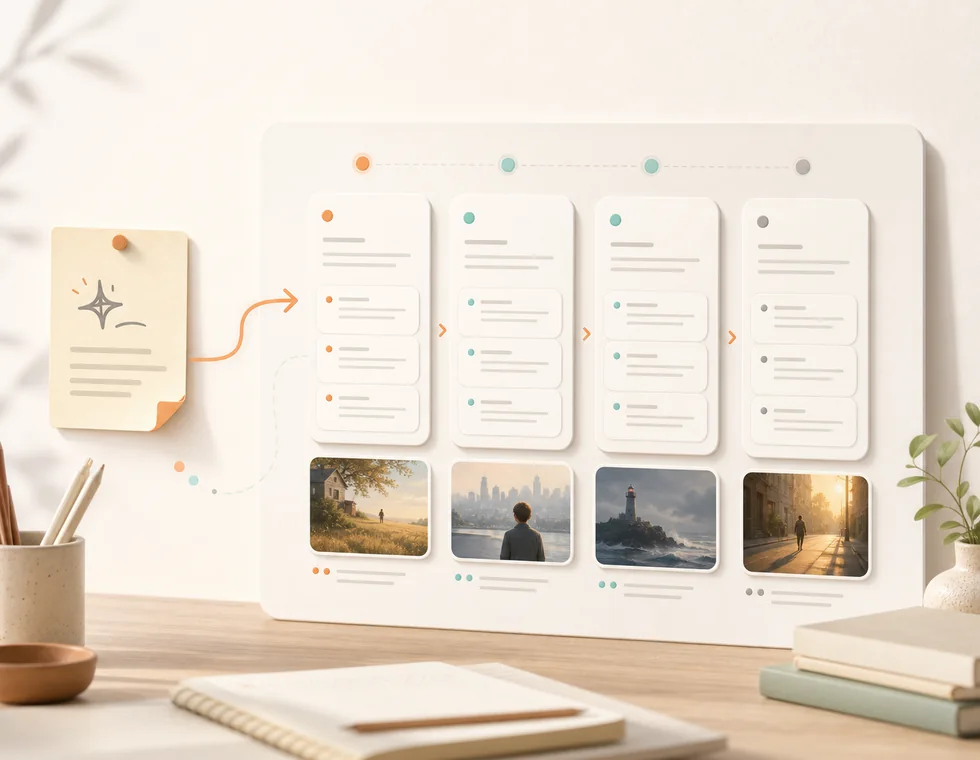
Turn a quick idea, episode draft, or pasted script into characters, relationships, scenes, and a clean episode direction.

Illustration showing a creator turning an idea into a structured episode brief
Input

A quick idea, episode draft, or pasted script

Story map

Characters, relationships, scene beats

Output

A structured episode brief ready for storyboard work

START MODES

Three ways to start

Keep the first step simple for beginners while leaving room for creators with stronger source material.

START MODES

Keep the first step simple for beginners while leaving room for creators with stronger source material.

  • Quick Idea: one prompt becomes a structured episode direction
  • Episode Draft: rough beats become scenes, shots, and keyframes
  • Script Import: pasted scripts become cast, locations, and shot flow
  • Advanced controls: model, ratio, duration, and keyframe/reference strategy stay out of the first decision
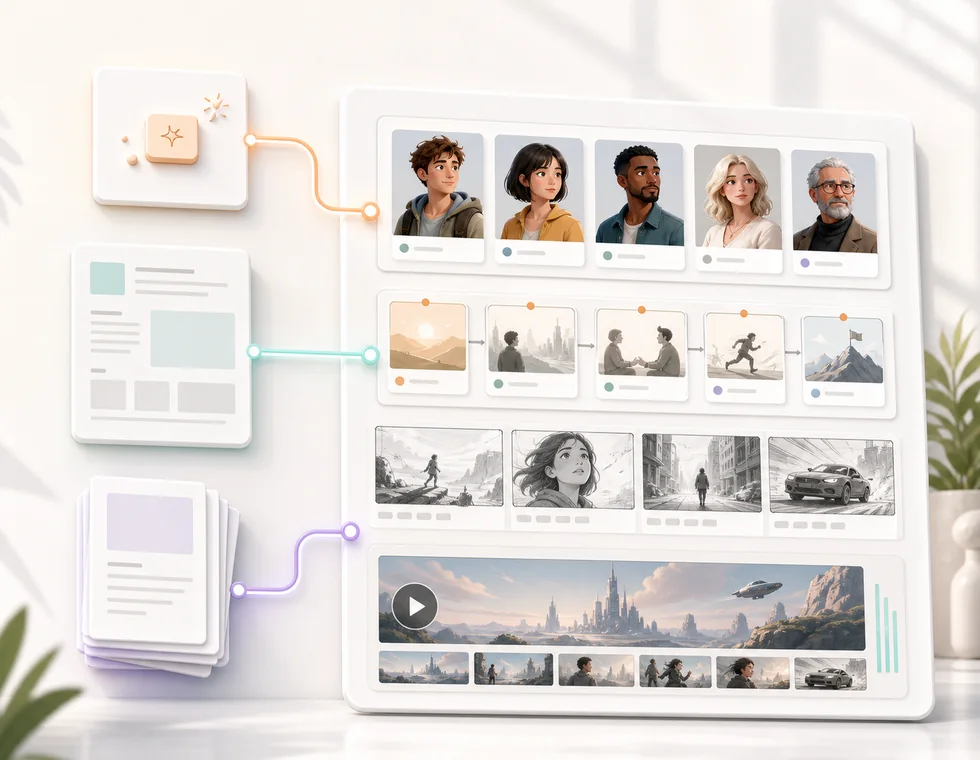
Illustration of Quick Idea, Episode Draft, and Script Import start modes becoming an AI video series

Start the series, not just one clip

Start with a quick idea, an episode draft, or a script. Build the reusable assets your next episode needs before generating video.

PRODUCTION LAYER

Generation engines stay flexible

Use model choices as production controls, not as the whole product promise.
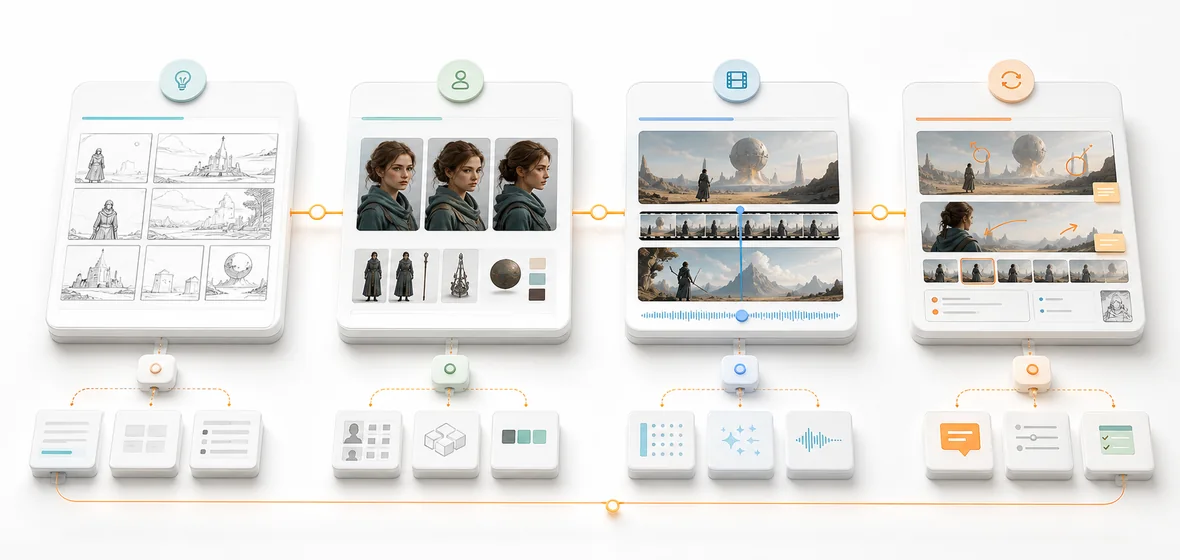
Illustration of the AI Series Generator creation stack from story to image, motion, and review

Story planning

Shape rough ideas into episode direction, scene beats, and production prompts.

Image generation layer

Generate or attach visual references for characters, locations, and scene keyframes.

Video generation layer

Send prepared keyframes and prompts into compatible video generation workflows.
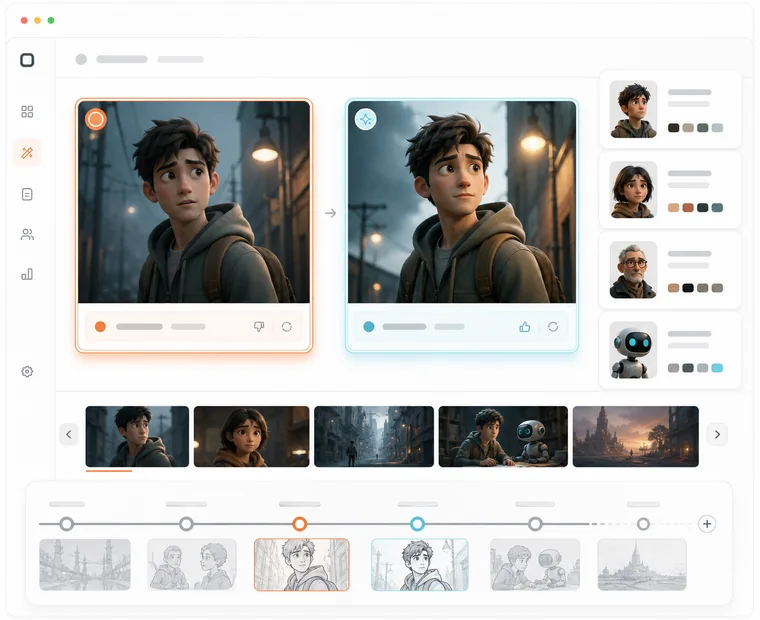
Production controls

Tune ratio, duration, quality, cost, and model selection when a shot needs more control.

Shot timeline

Review scenes, shots, keyframes, and generation status before committing to the next clip.

Series library

Keep prompts, references, drafts, and generated clips connected to the same series.

Illustration of one workspace connecting images, motion, review, and reusable series context
OpenAIKlingRunway

Keep every episode connected to the same world

A series workflow keeps the story, cast, references, keyframes, prompts, and generated clips together, so every new episode starts with context instead of a blank box.

Pricing for AI series creation

Choose the production level that fits your AI series workflow. Plans unlock product access and workflow capacity; exact generation capacity depends on the active provider and credit setup.

Free

Free

Explore the workflow and draft your first series structure.

Start free

  • Start from Quick Idea, Episode Draft, or Script
  • Create reusable character and story notes
  • Preview the storyboard workflow
  • Save early project drafts
  • Higher-volume generation
  • Priority production capacity
  • Lifetime access
Popular

Pro

$9.9/month

For creators producing episodes with more control and saved context.

Start creating

  • Expanded series projects
  • Storyboard and keyframe workflow
  • Reusable character reference library
  • Image and video generation controls
  • Saved episode drafts
  • Priority support
  • Lifetime access

Lifetime

$199

One-time access for creators who plan to build multiple series over time.

Start creating

  • All Pro workflow features
  • Long-term series library access
  • Reusable characters and references
  • Advanced production controls
  • Priority product updates
  • Commercial project workflow

    FAQs

    Questions before your first episode